Call Us: +91-7042640351, 9891868324

HP Spectre 13 Shuts Off at 30% Battery? Quick Fixes
By Admin | 13 Oct 2026
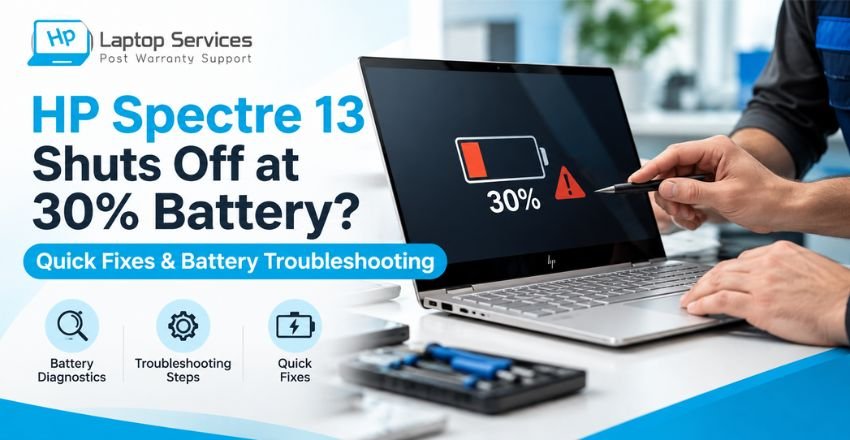
Is your HP Spectre 13 shutting down unexpectedly even when the battery indicator shows 30% charge? This issue can interrupt your work, cause unsaved data loss, and make your laptop unreliable when you are away from a power outlet. The good news is that several troubleshooting steps may help identify the cause.
The HP Spectre 13 shuts off at 30% battery issue can occur because of battery wear, incorrect battery readings, power management problems, or hardware faults. Understanding the possible reasons can help you decide whether you can resolve the issue yourself or need professional assistance.
At HP Laptop Service Centres, users can seek assistance with battery-related problems, laptop diagnostics, and out-of-warranty repairs at affordable prices, with doorstep service available.
Why Does HP Spectre 13 Shut Off at 30% Battery?
When your laptop suddenly turns off while showing 30% battery, the displayed percentage may not reflect the actual amount of usable power remaining. Several factors can contribute to this problem.
1. Worn-Out Laptop Battery
Laptop batteries gradually lose their ability to store and deliver power. After repeated charging cycles, an older battery may struggle to provide sufficient voltage, particularly when the processor is under heavy load.
As a result, your HP Spectre 13 may shut down even though Windows reports that 30% battery remains.
2. Incorrect Battery Calibration
Sometimes, the operating system may display an inaccurate battery percentage because the reported charge level no longer matches the battery's actual condition.
This can happen because of battery aging, reporting errors, or changes in battery performance. If the displayed percentage drops suddenly before shutdown, battery calibration or diagnostics may help identify the problem.
3. Battery Driver or Power Management Issues
Windows uses battery-related drivers and power management components to report battery status and manage energy consumption. Software glitches or outdated drivers can sometimes cause inaccurate readings or unexpected power behaviour.
However, a driver issue is not always the cause. If the laptop consistently switches off at the same battery percentage, the physical condition of the battery should also be checked.
4. Excessive Heat or Hardware Problems
Overheating, a faulty power circuit, or another internal hardware issue may cause a laptop to shut down unexpectedly. These problems can sometimes appear to be battery-related.
If your HP Spectre 13 becomes unusually hot, shuts down while performing demanding tasks, or switches off even when connected to its charger, professional diagnosis is recommended.
How to Fix HP Spectre 13 Shuts Off at 30% Battery
Before arranging a repair, try the following troubleshooting steps. Save your work before testing your laptop to reduce the risk of losing important files.
Fix 1: Check the Battery Health
Windows provides a built-in battery report that can help you understand your battery's condition.
Follow these steps:
- Connect your HP Spectre 13 to Windows.
- Open the Start menu and search for Command Prompt.
- Select the option to run it as an administrator.
- Enter the following command:
powercfg /batteryreport
Press Enter.
Open the generated HTML report using the file path displayed in the Command Prompt.
Look for the Design Capacity and Full Charge Capacity values. If the full charge capacity is substantially lower than the design capacity, the battery may have lost significant capacity.
Remember that this report is an indicator, not a complete hardware diagnosis. A battery can also have voltage or performance problems that are not fully explained by its reported capacity.
Fix 2: Restart Your Laptop and Update Windows
Temporary software issues may affect battery reporting or power management.
Restart your HP Spectre 13 and check Windows Update for available updates. Install suitable updates and restart the device if required.
You can also visit HP's official support website to check for compatible BIOS, chipset, and power management updates for your exact laptop model.
Important: Follow HP's instructions carefully when updating the BIOS. Keep the charger connected and do not interrupt the update process.
Fix 3: Check the Charger and Charging Connection
A faulty charger or unstable charging connection may contribute to power-related symptoms.
Check whether the charging indicator behaves normally and whether the battery percentage increases when the charger is connected. If possible, test with a compatible, known-good HP-approved charger that meets your model's power requirements.
Inspect the cable and charging port for visible damage. Do not continue using damaged charging equipment.
If the laptop still shuts down at 30% while the battery is fully charged or while connected to a reliable power source, the issue may involve the battery, charging circuit, or another internal component.
Fix 4: Check Battery Calibration
If the battery percentage appears inaccurate, consult HP's instructions for your specific Spectre model and run the recommended battery diagnostics or calibration procedure, if available.
Avoid repeatedly draining the battery to 0% in an attempt to fix the issue. Deep discharging an aging lithium-ion battery can add unnecessary stress and may not resolve a faulty battery.
If calibration does not improve the readings, the battery may need professional testing.
Fix 5: Check for Overheating
Excessive heat can affect laptop performance and may trigger protective shutdowns.
Keep the laptop on a hard, flat surface, make sure its ventilation openings are unobstructed, and close demanding applications temporarily. If the laptop continues to overheat or switches off during ordinary use, have its cooling system and internal hardware inspected.
Do not open the laptop or handle its internal battery unless you have the appropriate technical experience.
When Does Your HP Spectre 13 Need Battery Replacement?
If the laptop repeatedly shuts down at 30%, loses charge unusually quickly, or cannot operate reliably without the charger, the battery may be nearing the end of its useful life.
The HP Spectre battery not holding charge problem may also appear as rapid percentage drops, unusually short battery life, or charging that stops before reaching the expected level.
Before replacing the battery, a technician should check its condition, charging behaviour, power adapter, and relevant hardware. This helps prevent unnecessary replacement when the actual fault lies elsewhere.
If testing confirms that the battery is defective, HP Spectre 13 battery replacement may be the appropriate solution.
Always choose a compatible replacement battery that meets the specifications of your exact HP Spectre 13 model. Battery compatibility can vary by model number and product generation, so avoid selecting a replacement based only on the Spectre brand name.
If the battery is swollen, stop using the laptop, disconnect the charger if it is safe to do so, and arrange professional assistance. Do not press, puncture, or attempt to remove a swollen battery yourself.
HP Spectre 13 Battery Problem: When to Contact a Technician
You should consider professional assistance if:
- Your laptop repeatedly shuts down at 30% or another fixed percentage.
- The battery percentage changes suddenly.
- The laptop switches off even when connected to a compatible charger.
- Windows reports poor battery health or HP diagnostics identify a battery fault.
- The laptop becomes unusually hot or shows signs of battery swelling.
- Basic troubleshooting does not resolve the issue.
An experienced technician can inspect the battery, charger, charging port, power management system, and relevant internal components before recommending a repair.
HP Laptop Service Centres: Affordable Out-of-Warranty Repair at Your Doorstep
If your laptop is outside its warranty period, you do not necessarily need to visit a service centre in person to arrange an initial repair assessment.
HP Laptop Service Centres offer assistance with common laptop issues, including battery problems, unexpected shutdowns, charging faults, and other hardware-related concerns. Doorstep service is available for out-of-warranty laptop repair, subject to service location and appointment availability.
The repair process should begin with a proper diagnosis. Once the cause is identified, you can discuss the recommended solution, compatible replacement parts, estimated cost, and expected repair time before proceeding.
Whether your laptop needs battery replacement or further power-related troubleshooting, resolving the underlying fault is more reliable than repeatedly charging the device and hoping the issue disappears.
For Repair Service, call: +91-7042640351 or 9891868324.
Contact HP Laptop Service Centres to discuss your HP Spectre 13 battery issue and check the availability of affordable doorstep repair service.
Frequently Asked Questions
1. Why does my HP Spectre 13 battery drop from 30% to 0% suddenly?
A sudden battery drop may indicate battery wear, inaccurate charge reporting, or an issue with the battery management system. Run battery diagnostics to identify the likely cause.
2. Can a faulty BIOS update cause HP Spectre 13 battery issues?
BIOS or firmware problems may affect power management in some cases. Check for model-specific updates through HP Support and follow the recommended installation instructions.
3. Why does my HP Spectre 13 turn off during heavy usage?
Demanding applications increase power consumption. An aging battery may struggle to supply sufficient power, while overheating or hardware faults can also cause unexpected shutdowns.
4. How can I check my HP Spectre 13 battery health in Windows?
Open Command Prompt as an administrator and run powercfg /batteryreport. Review the design capacity and full charge capacity, then use HP's recommended diagnostics for further testing.
5. Is it safe to keep using an HP Spectre 13 that shuts down unexpectedly?
Repeated shutdowns can cause data loss and may indicate a battery or hardware problem. Back up important files and arrange a professional inspection if the issue continues.
6. Does replacing the HP Spectre 13 battery fix sudden shutdowns?
Battery replacement can resolve shutdowns caused by a defective battery. However, if the cause is the charging circuit, overheating, or another component, additional repairs may be necessary.
Conclusion
The HP Spectre 13 shuts off at 30% battery issue should not be ignored, especially if it happens repeatedly. Start by checking battery health, reviewing charging behaviour, updating compatible software, and running the recommended diagnostics.
If the laptop continues to shut down unexpectedly, professional inspection can help determine whether the battery, charging system, or another component is responsible. HP Laptop Service Centres provide out-of-warranty repair assistance at affordable prices, with doorstep service available subject to location and service requirements.
Call +91-7042640351 or 9891868324 to discuss your HP Spectre 13 battery problem and arrange the appropriate repair.
References
- https://support.hp.com/in-en/document/ish_2268927-1713329-16
- https://support.microsoft.com/en-us/windows/experience/power-battery/caring-for-your-battery-in-windows
- https://learn.microsoft.com/en-us/windows-hardware/design/device-experiences/powercfg-command-line-options
- https://support.hp.com/in-en/document/ish_4194541-4194587-16
Author Bio
Hi, I'm Pooja, a technical content writer passionate about creating informative and easy-to-understand content on laptop repair, troubleshooting, and technology. I specialize in simplifying complex technical topics into practical guides that help users diagnose and resolve common laptop problems with confidence. Through the HP Laptop Service Centres blog, I share well-researched articles, maintenance tips, and repair insights based on trusted technical resources and real-world industry knowledge. My aim is to deliver accurate, helpful, and user-focused content that empowers readers to make informed decisions about maintaining and repairing their HP laptops.
Recent Post
-

How Much RAM Do You Really Need in an HP Laptop?
09 Nov 2026
-
-
-
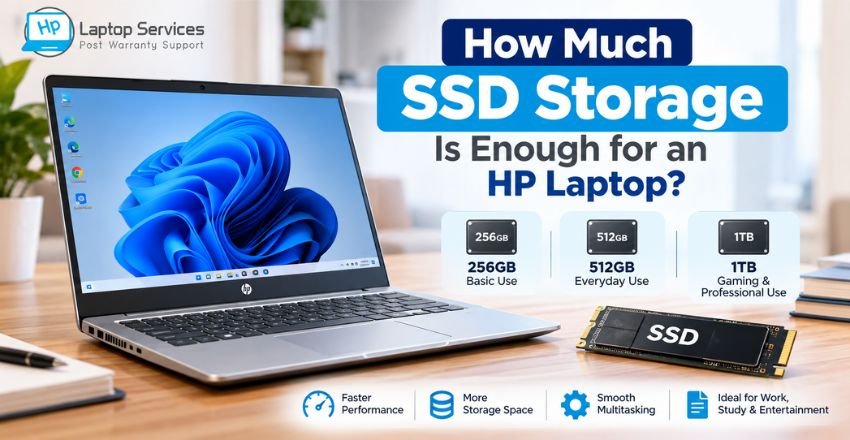
How Much SSD Storage Is Enough for an HP Laptop?
09 Oct 2026
-

-

-

-
Why Is My HP Laptop Screen Pink? Causes & Fixes
14 Aug 2026
-
How to Fix HP Laptop White Screen Issue
07 Aug 2026
-
Why Is Your HP Laptop Plugged In Not Charging?
03 Aug 2026
-

-
-
-
-

Looking For A Fast & Reliable Laptop Repair Service
We have professional technicians, fast turnaround times and affordable rates. Book Your Repair Job Today!
We specialize in all types of laptop services and provide reliable and quality door step service to our clients