Call Us: +91-7042640351, 9891868324

How to Fix HP Laptop White Screen Issue
By Admin | 07 Aug 2026
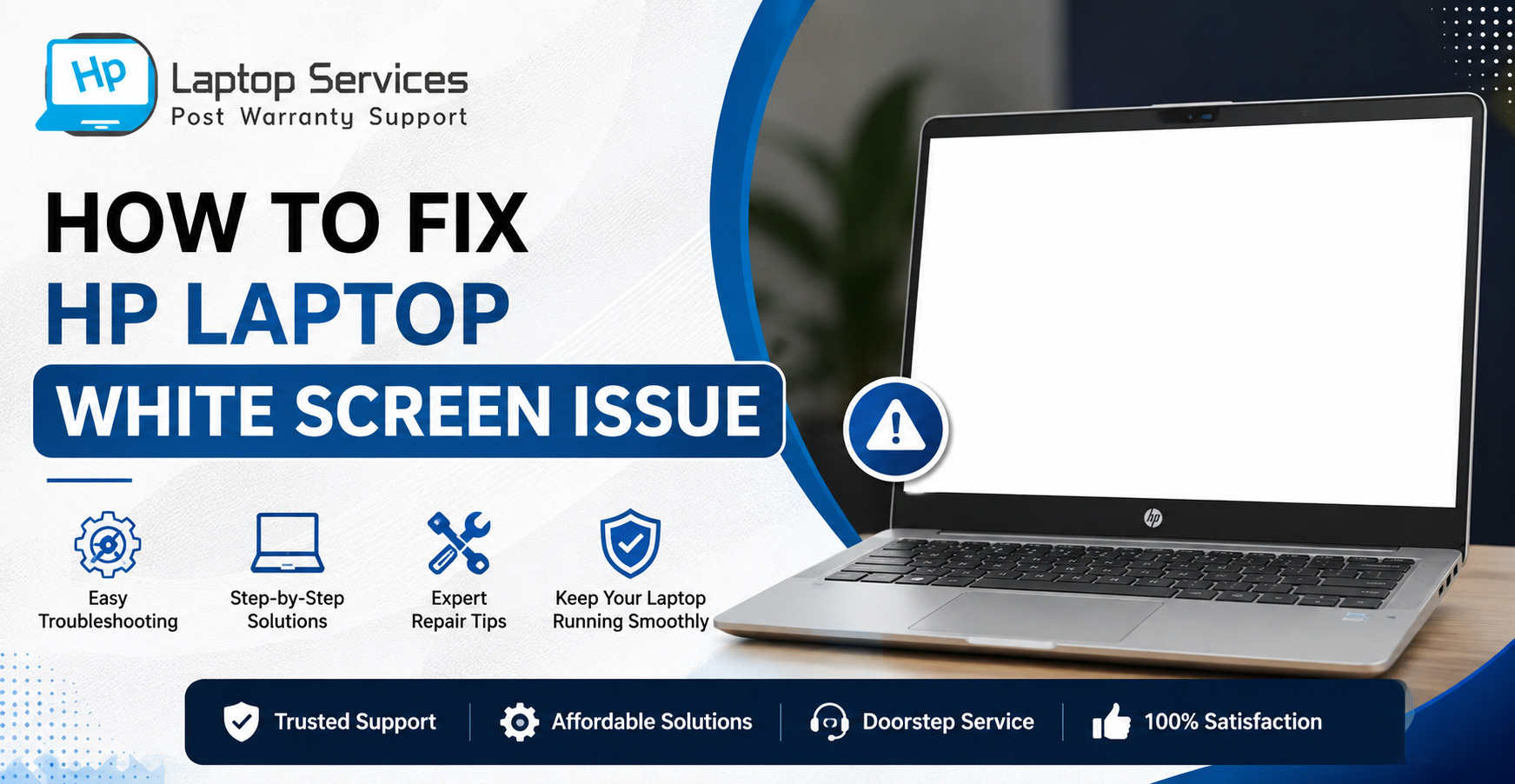
Have you ever turned on your laptop only to see a completely white display instead of your desktop? If yes, you're not alone. The HP Laptop White Screen is a common issue that can occur due to software glitches, display driver errors, loose display connections, or hardware failures. While the problem may seem alarming, it doesn't always mean your laptop is permanently damaged.
In this guide, we'll explain the possible causes of the HP Laptop White Screen Issue, practical troubleshooting methods, and when it's time to seek professional repair. Whether your laptop screen turns white during startup or after logging in, this article will help you understand the problem and choose the right solution.
Quick Answer
A HP Laptop White Screen can be caused by faulty display drivers, loose LCD cables, Windows errors, graphics card issues, or a damaged display panel. Restarting your laptop, updating graphics drivers, checking the display connection, or connecting an external monitor can often identify the cause. If the problem is hardware-related, professional repair may be required.
What Is the HP Laptop White Screen Issue?
The HP Laptop White Screen Issue occurs when the display becomes completely white while the laptop continues running normally or partially responds to commands. In many cases, users can hear startup sounds, keyboard lights remain active, or the fan continues running, but nothing appears on the display except a white screen.
Sometimes the problem appears immediately after pressing the power button, while in other cases it happens after Windows loads. Understanding when the issue occurs helps identify whether it's caused by software or hardware.
Common Signs of a HP Laptop White Screen Problem
The symptoms can vary depending on the actual cause. Some common signs include:
- A completely white display after powering on.
- White screen appears after the HP logo.
- Screen turns white after logging into Windows.
- Laptop works normally on an external monitor.
- Display becomes white randomly while using the laptop.
- Only a white screen is visible without any icons or taskbar.
If you notice one or more of these symptoms, don't panic. Most HP Laptop White Screen Problem cases can be diagnosed with a few simple checks.
Why Does an HP Laptop Screen Turn White?
Several hardware and software issues can cause an HP Laptop Screen Turns White unexpectedly.
1. Loose or Damaged Display Cable
The LCD cable connects your laptop's motherboard to the display panel. If this cable becomes loose, bent, or damaged due to repeated opening and closing of the laptop lid, the screen may display only white.
This is one of the most common hardware causes.
2. Faulty Graphics Driver
A corrupted or outdated graphics driver may interrupt communication between Windows and the display hardware.
Driver-related issues often occur:
After Windows updates
Following graphics driver installation
After software crashes
Updating or reinstalling the graphics driver usually resolves software-related display issues.
3. Damaged LCD Panel
If the display panel itself has failed because of accidental damage, pressure, moisture, or manufacturing defects, the laptop may show a permanent white screen.
Physical damage generally requires screen replacement.
4. Graphics Chip or Motherboard Failure
Modern HP laptops rely on integrated or dedicated graphics processors.
If the GPU or motherboard develops faults, your HP Laptop Display White Screen may appear during startup or while using graphics-intensive applications.
Professional diagnosis is recommended for motherboard-related issues.
5. Windows Software Errors
Corrupted system files, incomplete Windows updates, malware infections, or failed installations can also result in a White screen on HP laptop after login.
Fortunately, these problems are often repairable without replacing hardware.
How to Diagnose the Problem
Before replacing any component, it's important to determine whether the problem is software or hardware.
Restart Your Laptop
A forced restart can temporarily resolve minor software glitches.
- Press and hold the Power button for 10–15 seconds.
- Wait a minute.
- Restart the laptop.
If Windows loads normally afterward, the issue was likely temporary.
Connect an External Monitor
This is one of the easiest diagnostic methods.
Connect your HP laptop to an external monitor or television using HDMI.
If the external display works normally:
The motherboard and graphics card are likely functioning correctly.
The issue is probably related to:
- LCD screen
- Display cable
- Display connector
If the external monitor also shows no display:
The problem could involve:
- Graphics chipset
- Motherboard
- Windows startup failure
Boot into Safe Mode
Safe Mode starts Windows with only essential drivers.
If your laptop works correctly in Safe Mode, a corrupted graphics driver or software conflict is likely causing the HP laptop display problem.
You can then uninstall or update the graphics driver.
How to Fix HP Laptop White Screen
If the issue is software-related, try the following solutions before considering hardware repair.
Solution 1: Update the Graphics Driver
Outdated display drivers are one of the leading causes of display issues.
You can update drivers through:
- Device Manager
- Windows Update
- HP Support Assistant
Always download drivers from trusted sources to avoid compatibility issues.
Solution 2: Perform a Hard Reset
A hard reset clears temporary hardware configurations.
Steps:
- Turn off the laptop.
- Disconnect the charger.
- Remove external USB devices.
- Hold the Power button for about 20 seconds.
- Restart the laptop.
This simple method often resolves temporary display initialization problems.
Solution 3: Run Windows Startup Repair
If the white screen appears during Windows loading, Startup Repair may help fix corrupted boot files.
Boot into Windows Recovery Environment and choose Startup Repair.
The system will automatically check for startup-related issues and attempt repairs.
Solution 4: Check the Display Cable Connection
If your HP Laptop White Screen Problem started after the laptop was dropped or the hinges became loose, the display cable may have shifted from its connector.
Common signs include:
- White screen appears when opening or closing the lid.
- Display flickers before turning white.
- Screen works occasionally after adjusting the laptop lid.
Since opening a laptop requires technical expertise, it's advisable to have the display cable inspected by a qualified technician.
Solution 5: Check for Windows Updates
Sometimes an incomplete or corrupted Windows update can cause display-related issues.
To check for updates:
- Open Settings.
- Select Windows Update.
- Install any pending updates.
- Restart your laptop.
If the issue started immediately after an update, you can also uninstall the latest update from the Recovery Options.
Solution 6: Scan for Corrupted System Files
Damaged Windows system files can also result in a White screen on HP laptop.
Run the following commands using Command Prompt (Administrator):
sfc /scannow
After the scan completes, restart the laptop.
You can also run:
DISM /Online /Cleanup-Image /RestoreHealth
These utilities repair corrupted Windows files without affecting your personal data.
When Should You Seek Professional Repair?
While many software issues can be fixed at home, hardware-related problems require professional diagnosis.
Consider professional repair if:
- The screen remains white after restarting.
- An external monitor works normally.
- The display cable is damaged.
- The LCD panel has physical damage.
- The motherboard or graphics chip is faulty.
- Multiple troubleshooting methods fail.
Ignoring these symptoms may lead to further hardware damage
HP Laptop Service Centres – Affordable Doorstep Repair
If you're facing a persistent HP Laptop White Screen, professional assistance can save time and prevent additional damage.
HP Laptop Service Centres provides out-of-warranty HP laptop repair services at your doorstep across multiple cities in India.
Disclaimer: We are not an authorised HP service center. We are an independent laptop repair provider specializing in affordable out-of-warranty HP laptop repairs.
Our Services Include
- HP laptop display replacement
- LCD screen repair
- Display cable replacement
- Motherboard repair
- Graphics chip repair
- Windows troubleshooting
- Driver installation
- Complete laptop diagnosis
Why Choose Us?
- Doorstep laptop repair service
- Affordable pricing
- Experienced technicians
- Genuine compatible spare parts
- Quick turnaround time
- Transparent repair process
Call Us: +91-7042640351, 9891868324
Tips to Prevent HP Laptop Display Problems
Although every hardware issue cannot be prevented, following these practices can reduce the chances of future display failures.
- Avoid closing the laptop lid forcefully.
- Keep Windows and graphics drivers updated.
- Protect the laptop from moisture and dust.
- Use a padded laptop bag while travelling.
- Avoid placing heavy objects on the laptop.
- Shut down the system properly instead of forcing power-offs.
- Get the laptop serviced periodically if you notice screen flickering or hinge issues.
Regular maintenance helps extend the life of your laptop display.
Final Thoughts
A HP Laptop White Screen doesn't always indicate a serious hardware failure. In many cases, updating graphics drivers, repairing Windows files, or performing a hard reset can resolve the issue. However, if the problem is caused by a damaged display cable, faulty LCD panel, or motherboard, timely professional repair is the safest solution.
If your laptop is out of warranty and you're looking for a reliable repair service, HP Laptop Service Centres offers convenient doorstep repairs at competitive prices. Our technicians diagnose the exact cause of the issue and recommend the most cost-effective solution, helping you get your laptop back in working condition as quickly as possible.
Frequently Asked Questions (FAQs)
1. Can overheating cause a HP Laptop White Screen?
Yes. Excessive heat can affect the graphics processor or motherboard, leading to display issues such as a white screen, screen flickering, or system crashes. Regular cleaning and proper ventilation can help prevent overheating.
2. Does a HP Laptop White Screen mean my data is lost?
No. In most cases, a white screen only affects the display and does not erase your files. If the storage drive is functioning properly, your data can usually be recovered even if the screen needs repair.
3. Can a low laptop battery cause the screen to turn white?
A low battery alone rarely causes a white screen. However, a faulty battery or unstable power supply can sometimes create display-related problems. Testing the laptop with the original charger can help identify the cause.
4. How much does it cost to repair a HP Laptop White Screen?
The repair cost depends on the actual issue. Software-related fixes are generally less expensive, while replacing an LCD panel, display cable, or motherboard may cost more. A professional diagnosis is the best way to determine the exact repair cost.
5. Can a BIOS update fix a HP Laptop White Screen?
In some cases, yes. If the issue is caused by firmware compatibility or display initialization problems, updating the BIOS to the latest version recommended by HP may resolve it. However, BIOS updates should only be performed carefully and according to HP's official instructions.
References
- https://support.hp.com/us-en/help/computer/display-touchscreen-issues
- https://www.hp.com/us-en/tech-takes/monitors/troubleshooting/monitor-not-working.html
- https://support.microsoft.com/windows/troubleshooting-blank-screens-in-windows-51ef7b96-47cb-b454-fcab-fac643784457
- https://support.microsoft.com/windows/use-the-system-file-checker-tool-to-repair-missing-or-corrupted-system-files
Author Bio
Hi, I'm Pooja, a technical content writer passionate about creating informative and easy-to-understand content on laptop repair, troubleshooting, and technology. I specialize in simplifying complex technical topics into practical guides that help users diagnose and resolve common laptop problems with confidence. Through the HP Laptop Service Centres blog, I share well-researched articles, maintenance tips, and repair insights based on trusted technical resources and real-world industry knowledge. My aim is to deliver accurate, helpful, and user-focused content that empowers readers to make informed decisions about maintaining and repairing their HP laptops.
Recent Post
-

-

-

-
Why Is My HP Laptop Screen Pink? Causes & Fixes
14 Aug 2026
-
How to Fix HP Laptop White Screen Issue
07 Aug 2026
-
Why Is Your HP Laptop Plugged In Not Charging?
03 Aug 2026
-
-
-
-
-

-

-

-

-

Looking For A Fast & Reliable Laptop Repair Service
We have professional technicians, fast turnaround times and affordable rates. Book Your Repair Job Today!
We specialize in all types of laptop services and provide reliable and quality door step service to our clients